



AI tool
Claude Video Editor Skill
Build with Claude. Edit what you need without regenerating.
FreeView Details
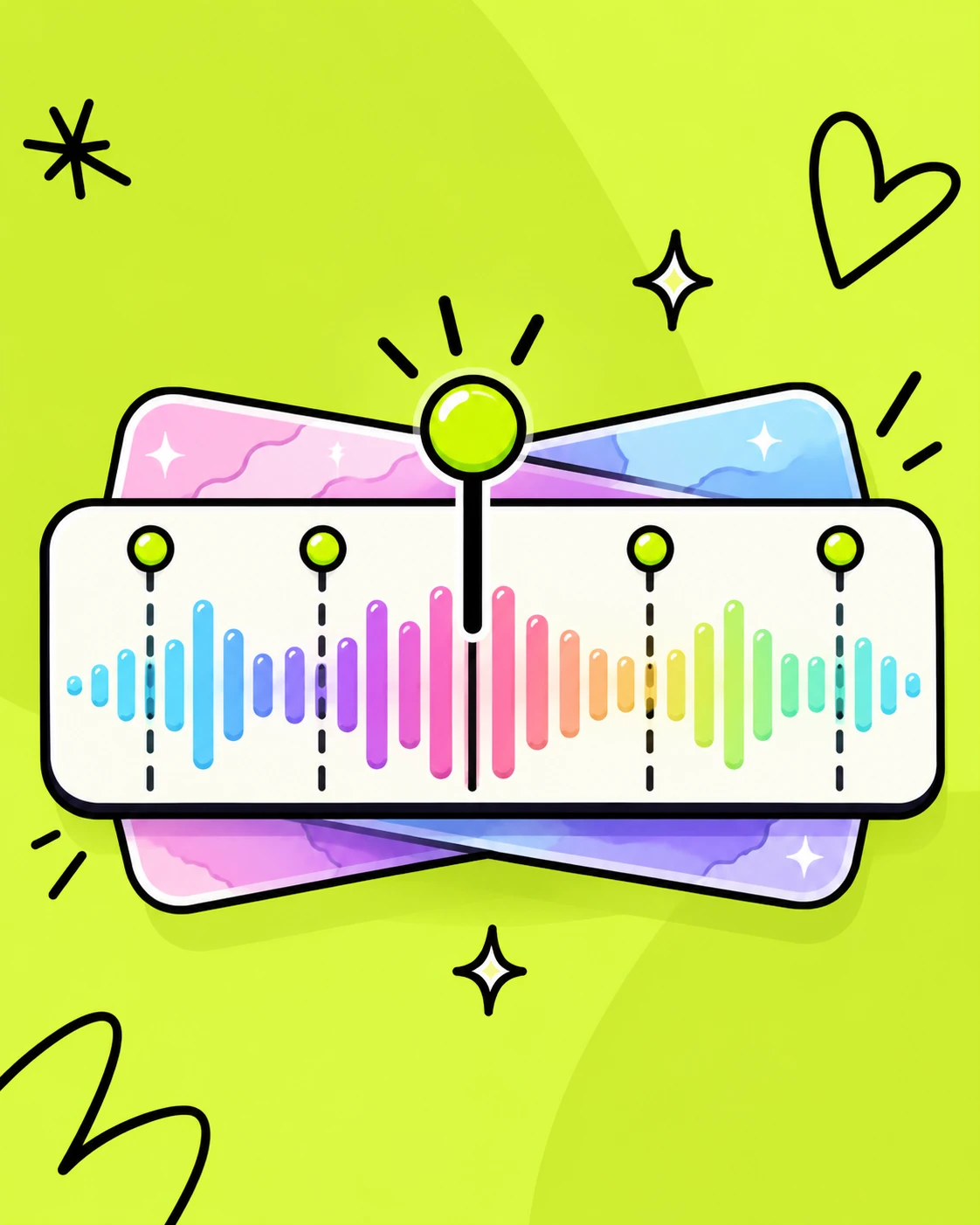
Stop manually placing markers on music beats. Automatically detect transients, kick drums, and rhythmic drops in Premiere Pro & After Effects.
DRM-free file·No account required
Everything delivered directly to your library and downloads immediately after purchase.
A structured, actionable curriculum designed to help you master and monetize AI workflows.
Clear answers on licenses, formats, and immediate access guarantees.
Yes! 100% free direct download with zero subscriptions or card required.
Works seamlessly in Adobe Premiere Pro, After Effects, and DaVinci Resolve.
Download the .zip, extract, and follow the 2-minute step-by-step README guide.
Free to download. Yours to keep.
Build with Claude. Edit what you need without regenerating.
The AI Playbook: the beginner’s guide to building income with AI.